



Marmoset has recently released Marmoset Toolbag 5.03, a free update that expands the software’s texturing, rendering, and baking workflows. The release introduces new tools such as Text Layers and Scatter Layers, alongside IES light profiles, physical light units, improved curvature baking, and several performance and workflow improvements.
This article looks at the main additions in Toolbag 5.03 and how they can affect everyday workflows for 3D artists, from game-ready assets to architectural visualization.
A Leading Texture Baking and Rendering Tool
The 3D texturing industry includes several applications focused on improving material creation, texture baking, and physically based rendering. We recently covered the direction Adobe is taking with Substance 3D Painter, and Marmoset Toolbag offers another approach by combining these processes within a single application.
Marmoset Toolbag is a texture-baking engine with physically accurate ray-traced and raster rendering. It is used across different industries and provides different presets for workflows such as Character Art, Hard Surface Art, Environment Art, and Film & TV.
What makes this software quite unique is its all-in-one approach, which combines baking, PBR texturing, and real-time rendering in a single environment, including a high-end PBR ray-traced viewport.
Marmoset Toolbag 5.03
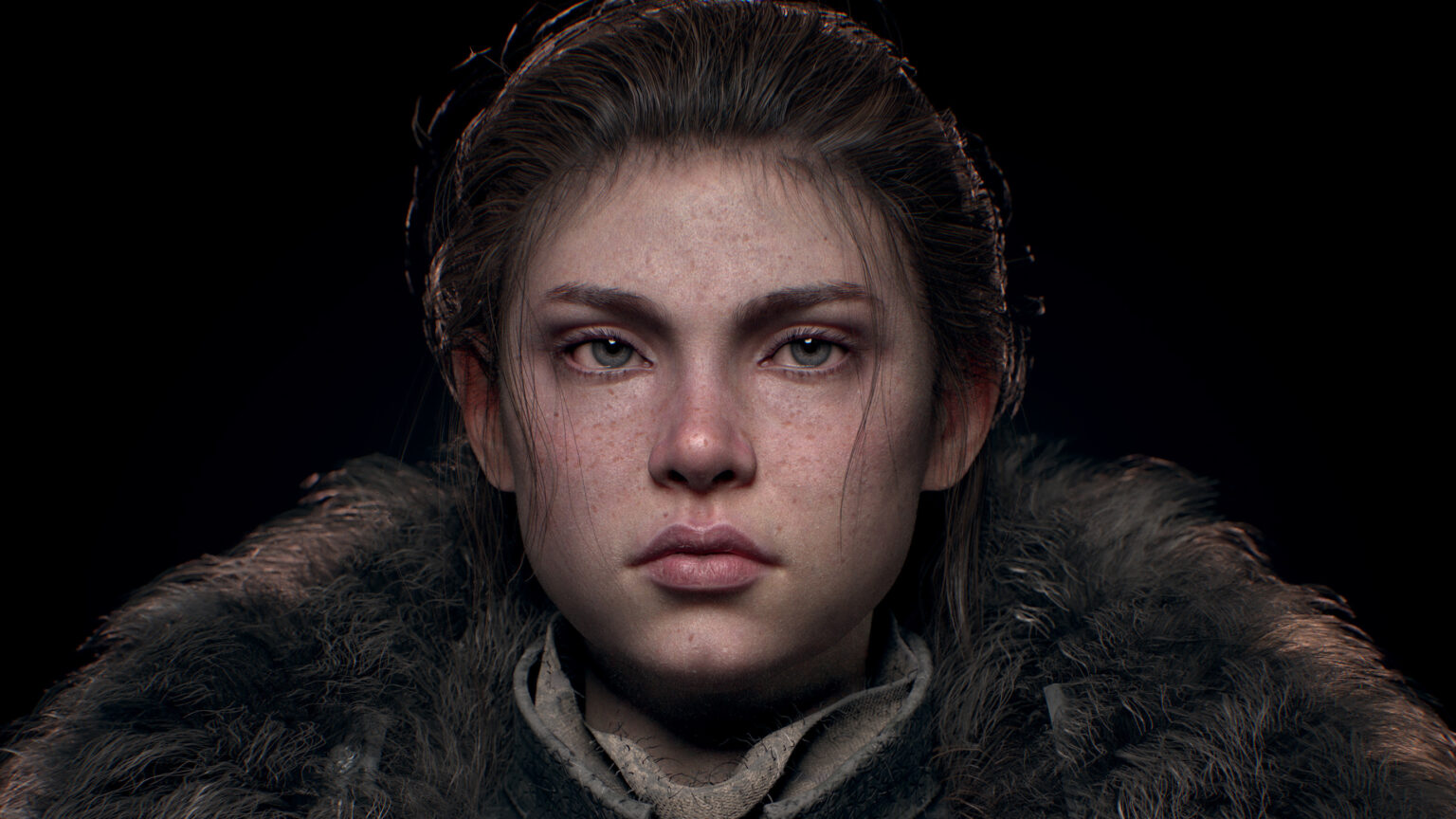
Marmoset has recently launched version 5.03 of the software, introducing new features and enhancements for baking, texturing, and rendering.
New Text Layer
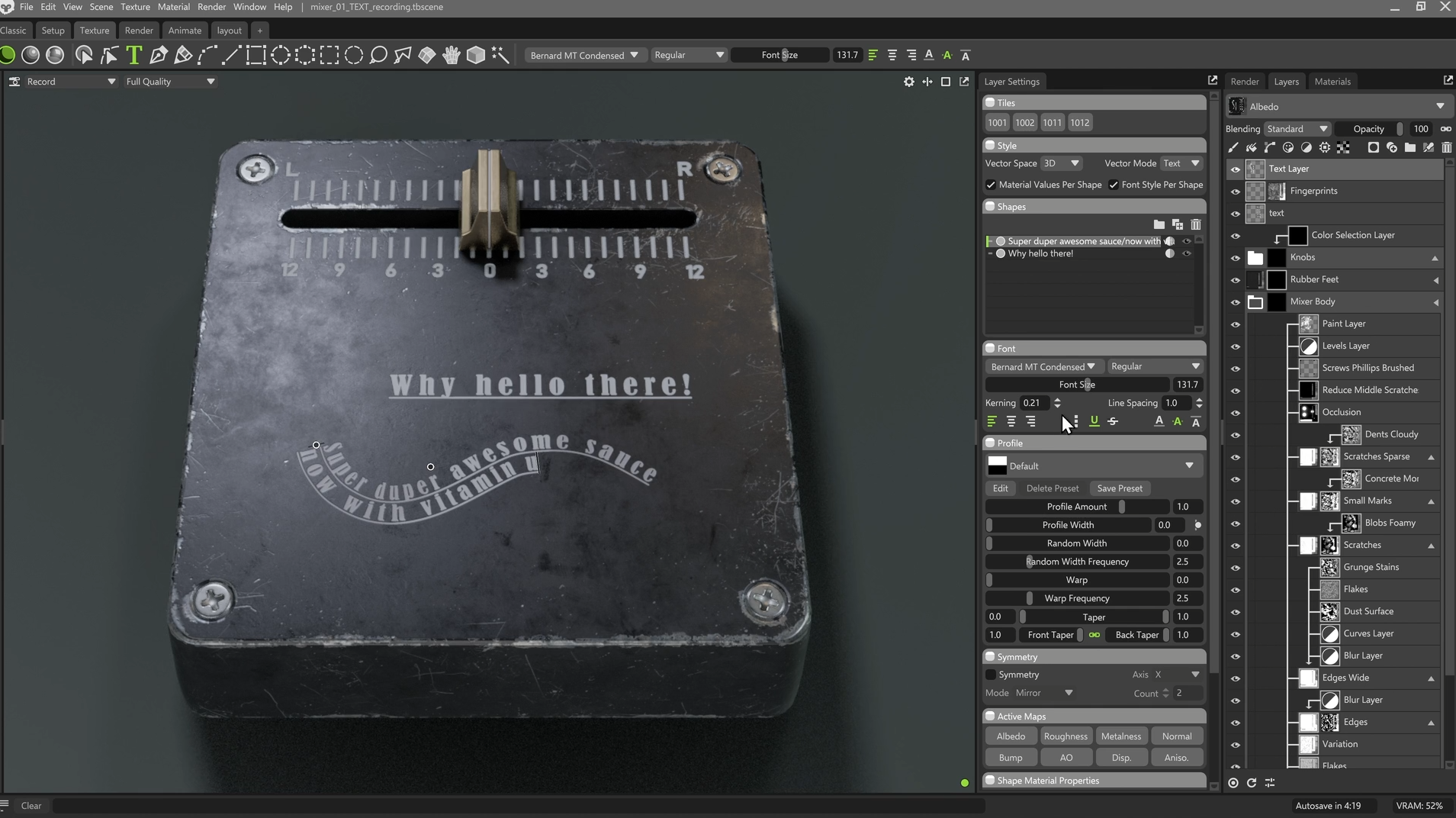
A lot of work has been put into making some of Marmoset’s texturing tools more intuitive, including the addition of a Layer fully dedicated to text.
This new feature allows users to add text to the scene more easily, giving them the freedom to make changes with a whole new set of tools and settings for customizing font style, spacing, and alignment.
Text Layers can be found inside the Vector dropdown menu in the Layers window. They can be aligned to the mesh in 3D mode and projected via Decal mode. Finally, Profiles can be used to create stamped text effects, which can be useful for environment art or for generating hard-surface materials in general.
Layer Caching
Marmoset Toolbag’s developers have also worked on performance, improving how layers in the stack are composited by bounding them and storing their results behind the scenes.
Thanks to this enhancement, performance has been improved by 2.7x on average. This improvement gives artists the possibility to load bigger scenes or use heavier textures without losing performance on their hardware.
Scatter Layer
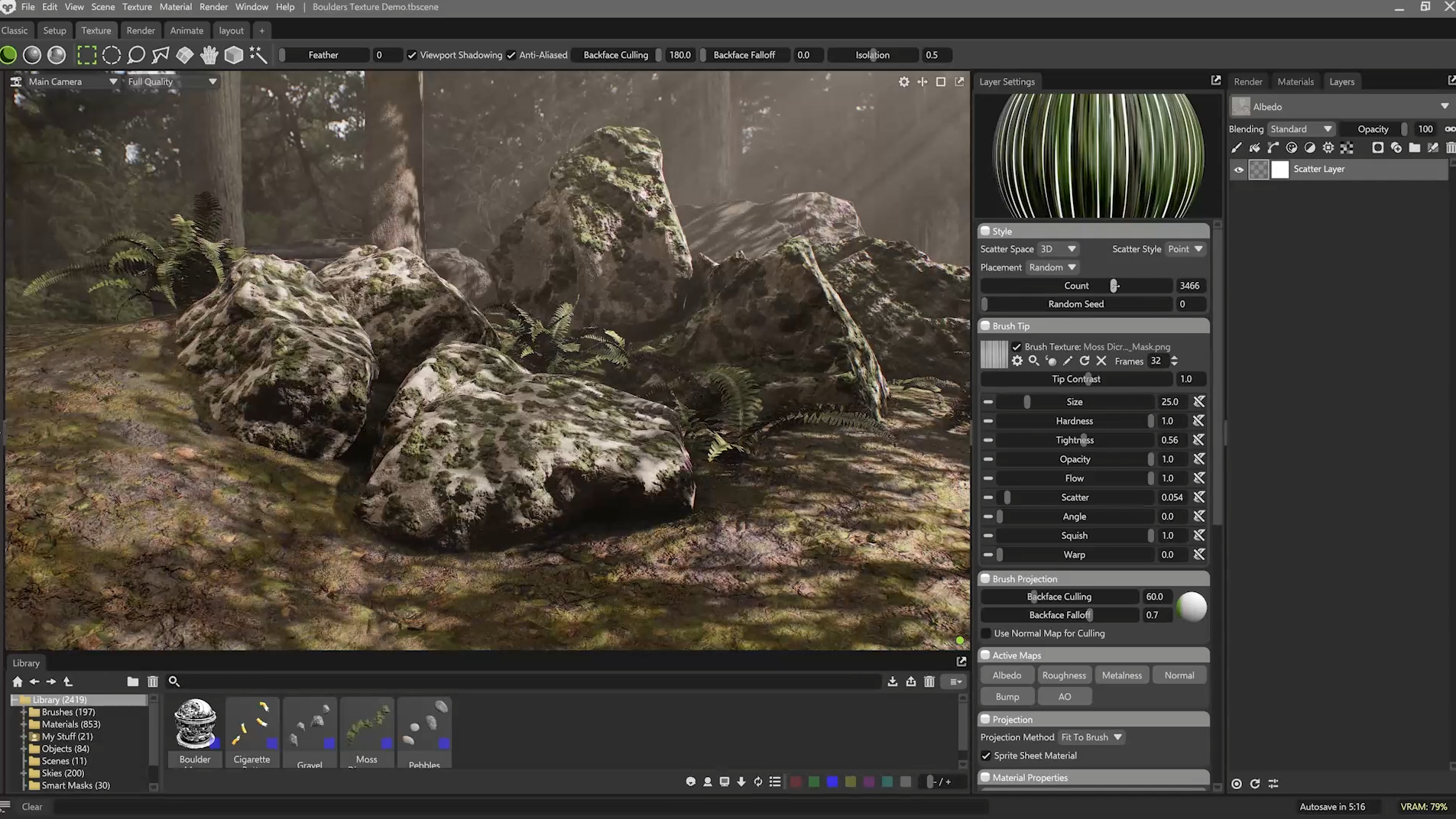
Another texturing-related enhancement is the addition of the new Scatter Layer. This feature gives artists the possibility to add randomized elements to mesh surfaces in order to make them more realistic.
Scatter Layer works with brushes, giving artists a lot of freedom when using it. They can also load brush presets from the library or create their own. Elements can be scattered in a more geometric way thanks to the Grid option.
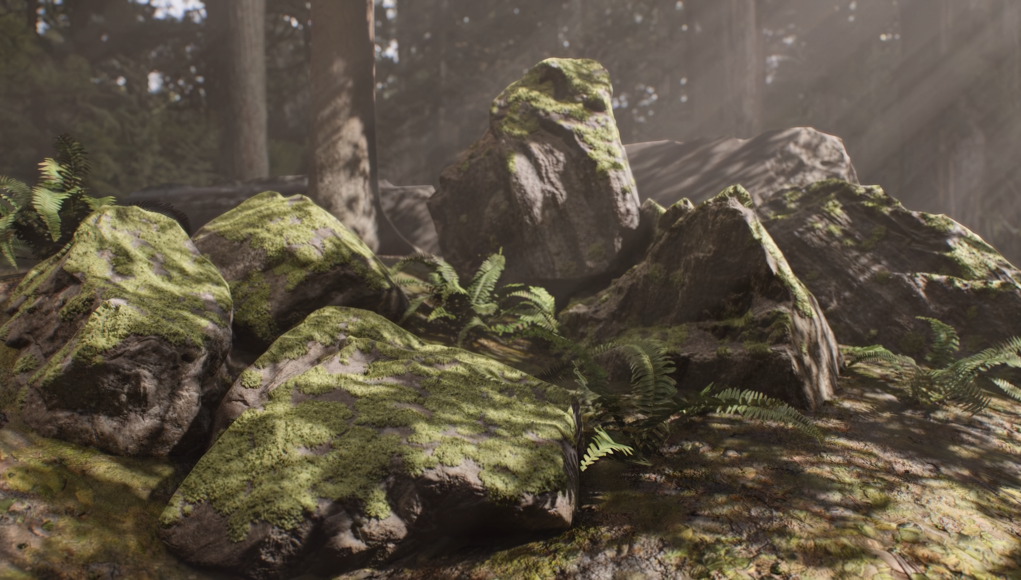
This new tool is useful for natural environments, such as adding moss to rocks, or for creating random imperfections on realistic props.
IES Light Profiles
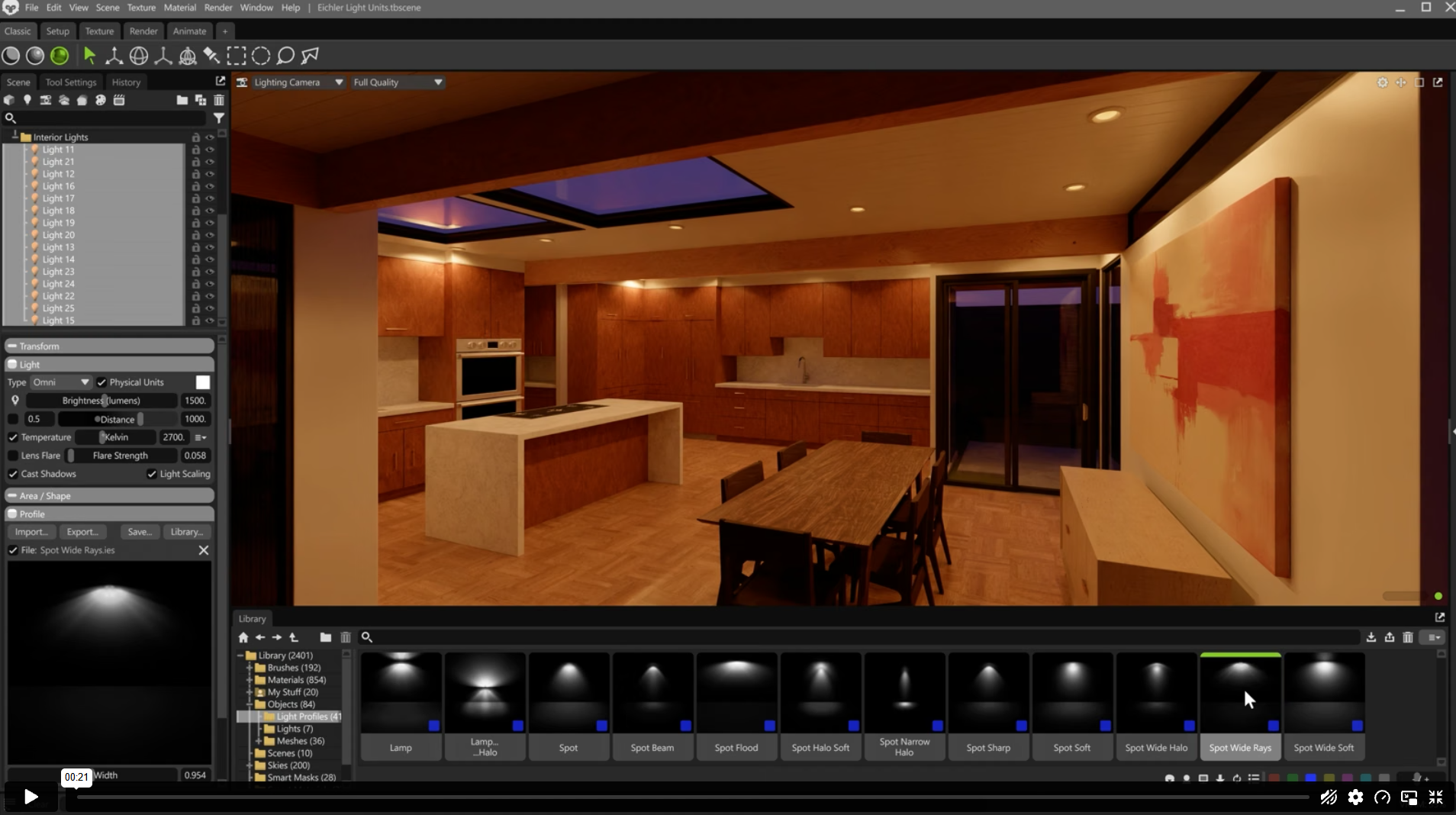
Moving to rendering-related features, Marmoset Toolbag developers have added the possibility to use IES profiles.
This new feature helps create real-world light fixtures based on real-world light brightness, falloff, and shapes. IES profiles can be added to Omni and Spot lights, making this feature particularly useful for architectural and design renders.
Physical Light Units
Remaining within the architectural visualization world, Marmoset Toolbag 5.03 introduces Physical Light Units. This feature was designed to provide an easier way to create plausible real-world brightness values.
With this new feature, Omni and Spot lights use Lumens, while Directional and Sky lights use Lux. Marmoset has also added an Energy Conservation mode that allows artists to maintain consistent brightness while adjusting the Spot angle and when switching between IES profiles.
Finally, to improve exposure adjustment, a global Exposure control has been added to the Render window. This feature helps control overexposure when using the Realistic Brightness mode with Procedural Skies.
Baking Improvements
Marmoset has also improved the baking workflow in Toolbag 5.03 with two notable changes.
- Curvature bakes are now more accurate and produce fewer artifacts. The new system reduces visible faceting from the low-poly geometry and improves results around UV seams. The new curvature method can produce slightly different results compared with previous versions, so existing projects may require some adjustment to the Curvature Strength setting when rebaking.
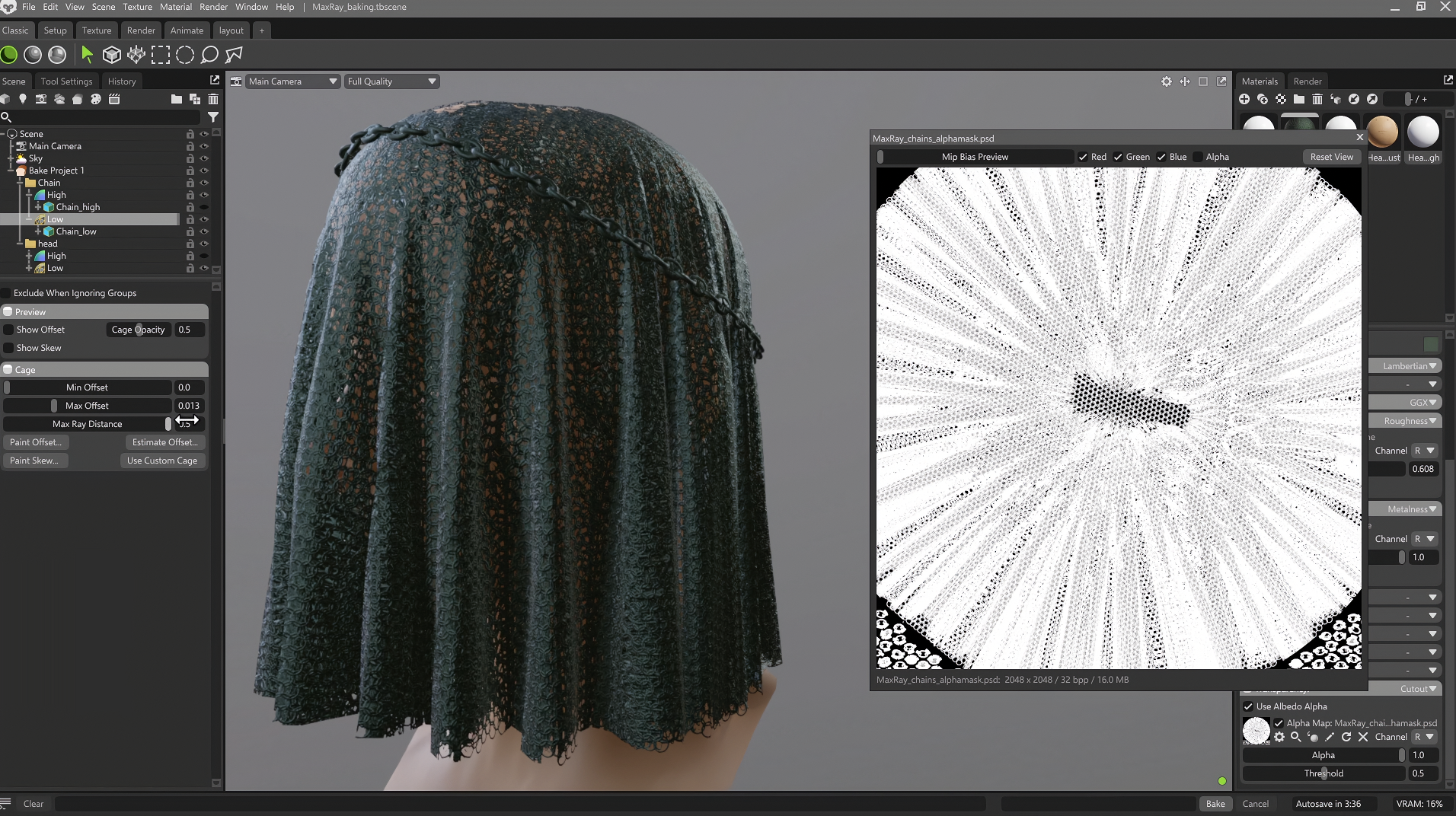
- Toolbag 5.03 also introduces Max Ray Distance, which allows artists to define the maximum distance that baking rays can travel from the cage. This can be particularly useful for high-poly surfaces containing holes. By limiting the ray distance, artists can prevent rays from passing through the geometry and hitting nearby surfaces, reducing unwanted baking errors.
A More Unified 3D Workflow
Marmoset Toolbag 5.03 continues to build on the all-in-one approach introduced throughout Toolbag 5. Instead of focusing on a single major system, the update improves several stages of the workflow, from texture creation and procedural surface detail to lighting, rendering, and baking.
Overall, Toolbag 5.03 is less about introducing a completely new workflow and more about expanding the existing one. The combination of new texturing tools, more physically grounded lighting controls, and baking improvements makes the update a broad refinement of Toolbag’s role as a single environment for baking, texturing, and rendering 3D assets.
To find out more, visit the Marmoset Toolbag official site.
– article by Giorgio D’Ambrogio