



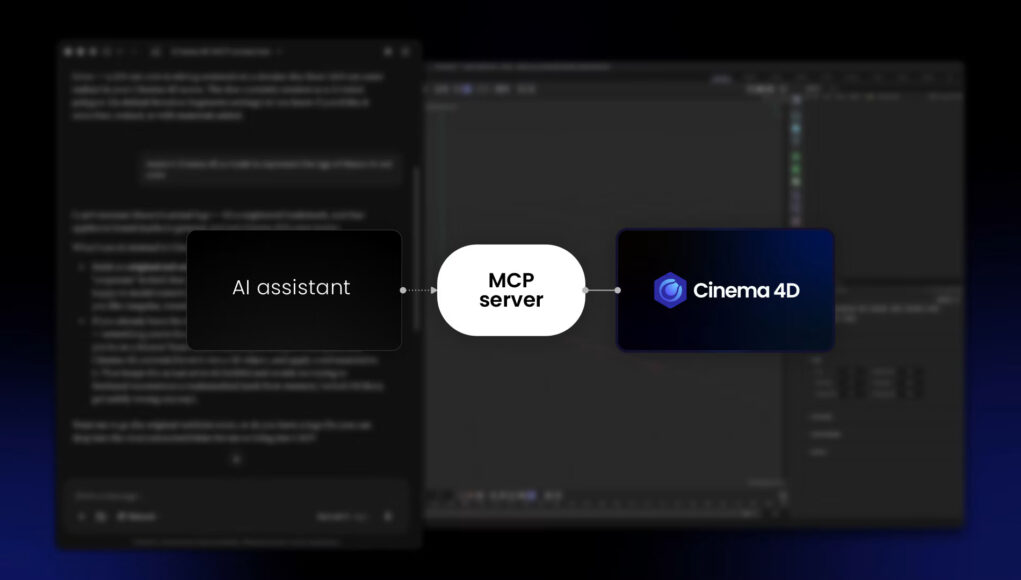
Maxon has recently released Cinema 4D 2026.4, the latest version of its 3D software for modeling and motion graphics. This new update introduces a further integration of AI into the artist workflow through the addition of a dedicated MCP server.
What Is Cinema 4D’s MCP Server?
The never-ending AI race that has characterized the last few years of technological development has also driven a major shift in how 3D and 2D software companies approach AI, with MCP servers becoming an increasingly important part of this development.
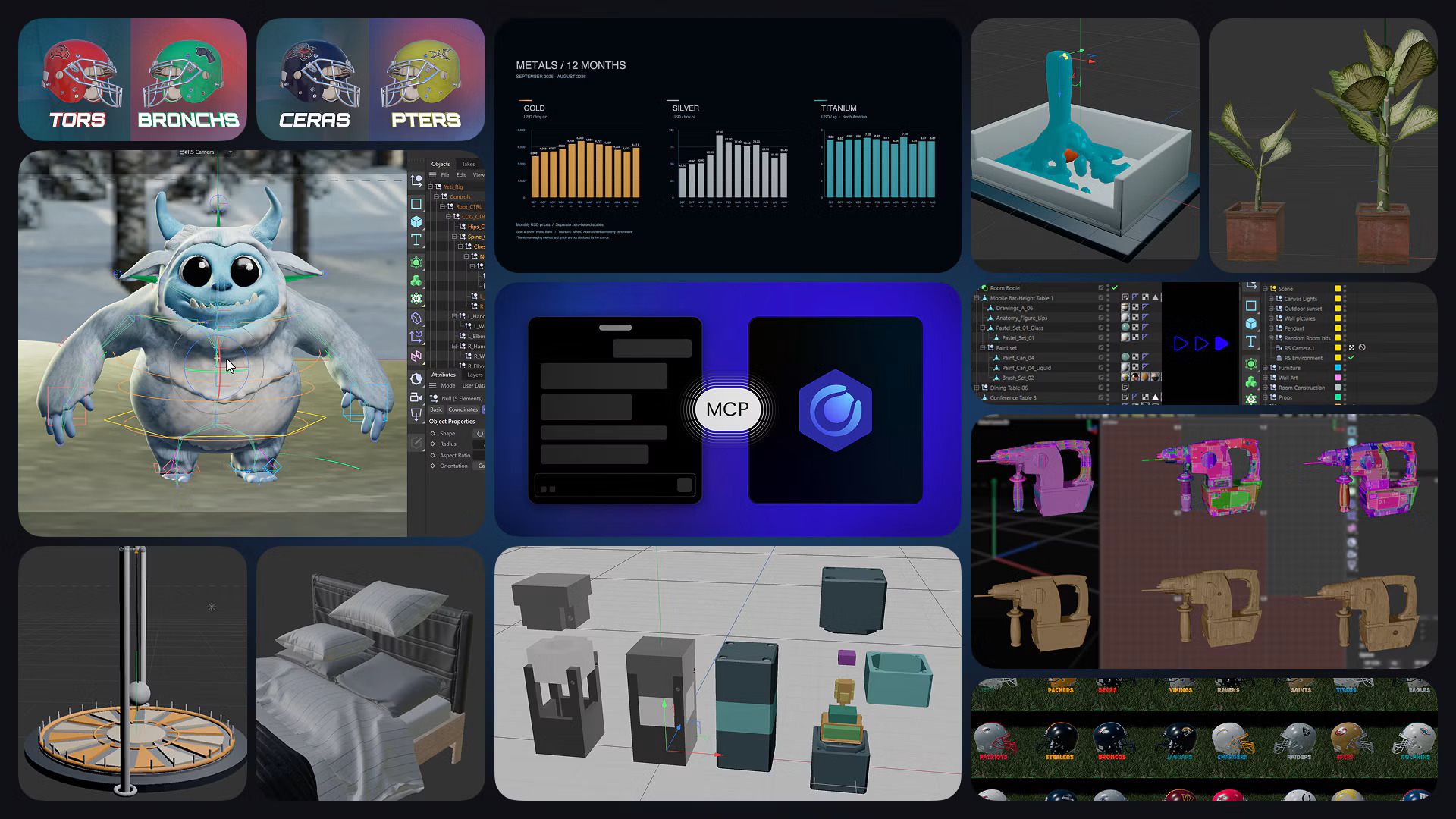
With the launch of Cinema 4D 2026.4, Maxon announced its built-in Model Context Protocol (MCP) server. The goal is to give artists more freedom without taking away their control. David McGavran, CEO of Maxon, explained that the idea is to let artists hand off tasks they consider repetitive or tedious while keeping control over the creative process.
The purpose is clear: the new tool is designed to keep artists in control of what they are doing. The Cinema 4D MCP server allows AI assistants to access and interact with the software, so artists can review, refine, and iterate on their work.
From Natural Language to Native 3D Operations
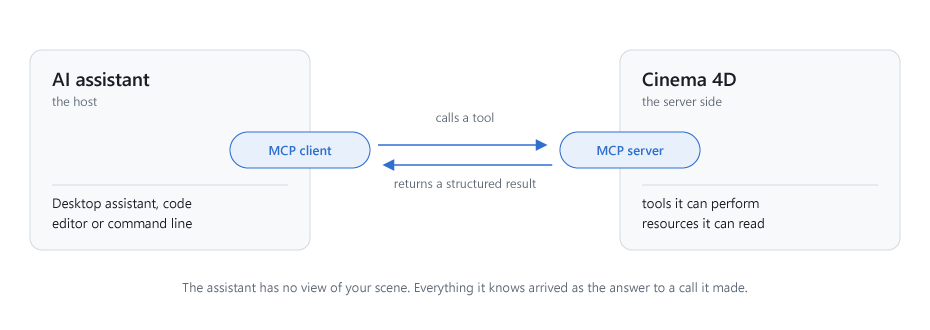
This new tool inside Cinema 4D 2026.4 addresses one of the main limitations of earlier AI assistants: their ability to access and operate software directly. Previously, an AI assistant could reason about an artist’s work and describe what to do, but it could not work on the project itself.
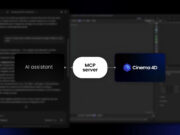
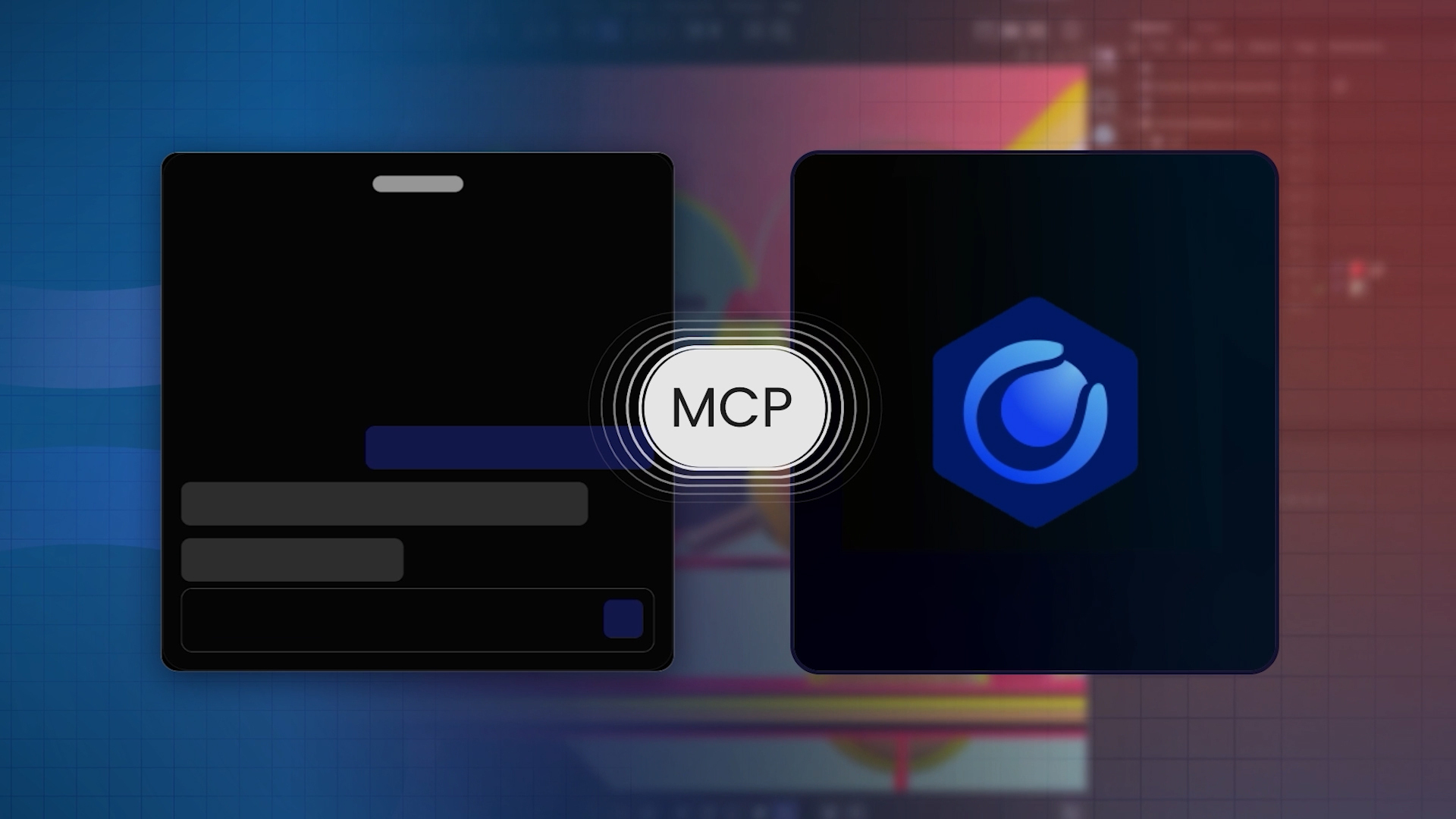
MCP addresses this limitation by creating a standardized connection between the AI assistant and the application. Cinema 4D makes its tools available through the protocol, allowing a compatible AI assistant to interact with the software and perform operations within the open scene.
Unlike generative AI tools that produce a separate image or asset, Cinema 4D’s MCP integration allows an AI assistant to work directly with the application and its existing tools. One practical use is creating multiple versions of the same scene from structured data. For example, a product scene could be paired with a CSV file containing different colours, materials, configurations, and other variations. Instead of setting up each combination manually, an artist could instruct the assistant to use that information to create the corresponding Takes, modify the scene, and prepare the render queue.
This approach enables interaction through natural language, but the result is not simply a collection of AI-generated images. The assistant is carrying out operations inside Cinema 4D, using the application’s native functionality.
The result is a Cinema 4D scene containing editable Takes, materials, objects, and rendering settings, which can be inspected, modified, refined, or rendered further by the artist.
Control, Permissions and Security
Maxon has also dedicated significant attention to making the tool controllable and secure. The goal is not to give AI unrestricted control over Cinema 4D. Instead, the artist decides what the assistant can access and when it can operate.
The MCP server is built directly into Cinema 4D. The connection runs locally on the artist’s computer, while connections to other machines on the same network require separate opt-in. The MCP server is also protected by an MCP adapter access token, while artists can decide which groups of Cinema 4D tools their assistant is allowed to use.
Cinema 4D performs each action through its own tools and API, while the software adds MCP-driven changes to the undo history. Cinema 4D also writes commands to a local audit log, providing visibility into the actions performed by the assistant
All of this is designed to make AI-assisted workflows more controlled for artists and developers. In addition, Maxon also switches off the built-in MCP server by default, meaning that users must manually enable it before using the integration.
What This Means for 3D Workflows
Until now, interaction between AI and Digital Content Creation (DCC) software has mainly happened through menus, panels, scripts, and APIs. With an MCP server, another layer can be added to the workflow: natural language as an interface to existing tools. As a result, artists can continue to model, modify, and render normally while delegating repetitive tasks to an AI assistant.
What Cinema 4D is trying to achieve is different from simply adding a chatbot to a DCC application. The MCP server is integrated directly into the software, allowing an AI assistant to interact with the same native tools that artists already use.
Rather than replacing the traditional 3D workflow, MCP adds a new interaction layer on top of it. The artist remains inside Cinema 4D, while the assistant can take care of certain operations through natural-language instructions.
As more MCP-compatible applications become available, AI assistants could increasingly evolve from tools that generate content into interfaces for operating professional creative software.
A New Interface Between AI and 3D Software
Cinema 4D 2026.4 does not introduce another AI image or 3D generation feature. Instead, it gives AI assistants a controlled way to operate the software itself. By keeping the resulting work inside Cinema 4D’s native scene structure, Maxon’s approach places the emphasis on automation and interaction rather than replacing the creative process.
The introduction of MCP therefore represents a different direction for AI in 3D software. Instead of asking AI to create something separately and then importing the result into a DCC, artists can use natural language to interact with the tools already available inside their applications.
If this approach continues to spread across professional creative software, the role of AI assistants could gradually shift from content generators to interfaces for creative applications. For 3D artists, that could mean less time spent on repetitive operations and more time focused on the decisions that actually shape the final work.
To find out more, visit the Maxon Cinema 4D official Site.
– article by Giorgio D’Ambrogio