




Chaos has recently released Corona 16 for 3ds Max and Cinema 4D. This update introduces the ability to relight 3D Gaussian Splats directly within the rendering environment, improved material compatibility with Chaos Vantage, and a new AI Assistant. It also adds Parallax Interiors and other features designed to improve architectural visualization workflows.
Relightable Gaussian Splats
One of the most discussed technologies in the 3D industry throughout 2026 has been Gaussian Splats and their growing support across professional software.
As we already covered in our article about Gaussian Splats and 3ds Max, this technology shares some similarities with traditional point clouds. However, instead of representing a scene through individual points, Gaussian Splats use millions of small volumetric elements to reconstruct its appearance. This approach can provide a detailed visual representation of real-world environments without requiring conventional polygonal geometry.
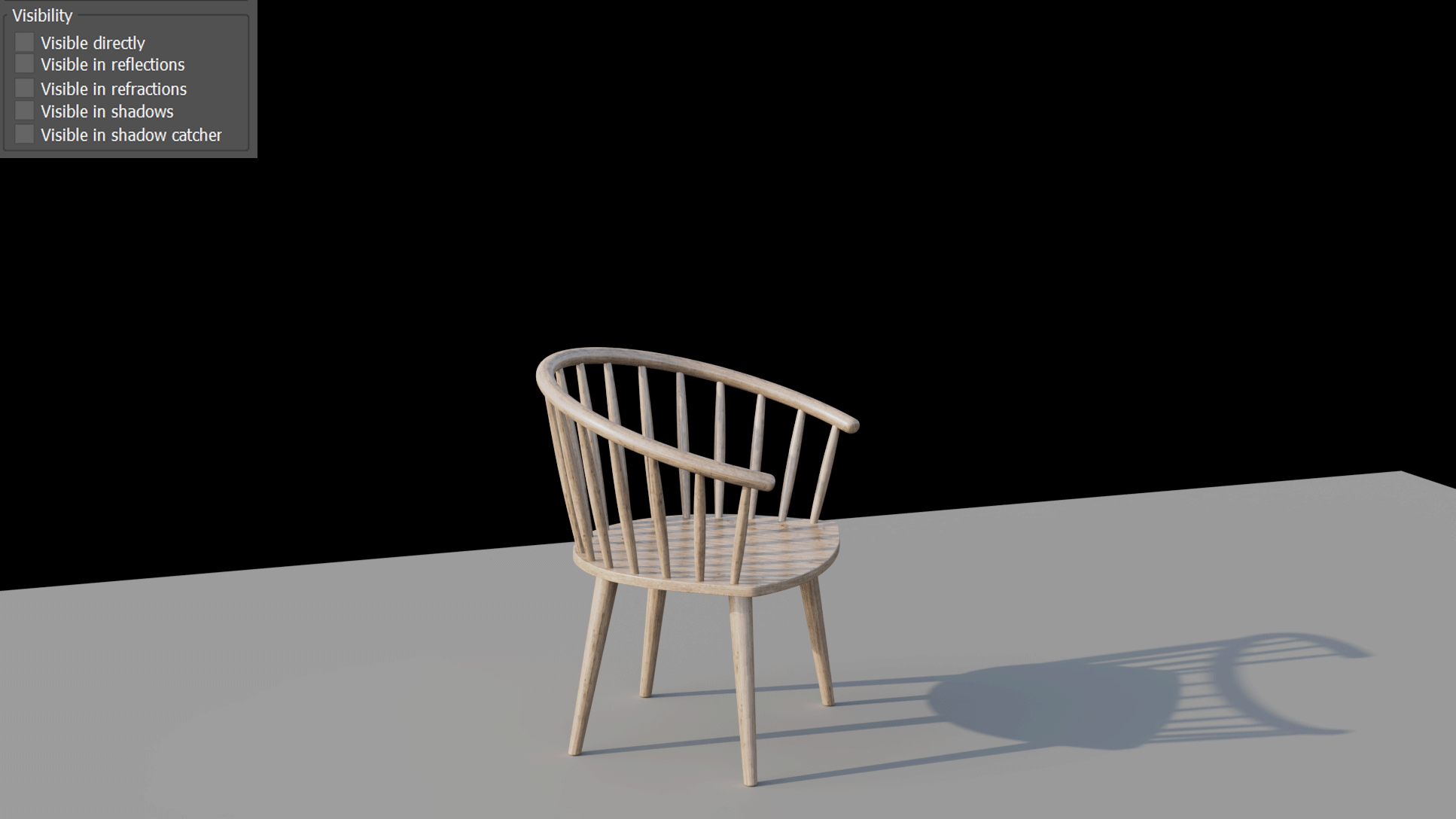
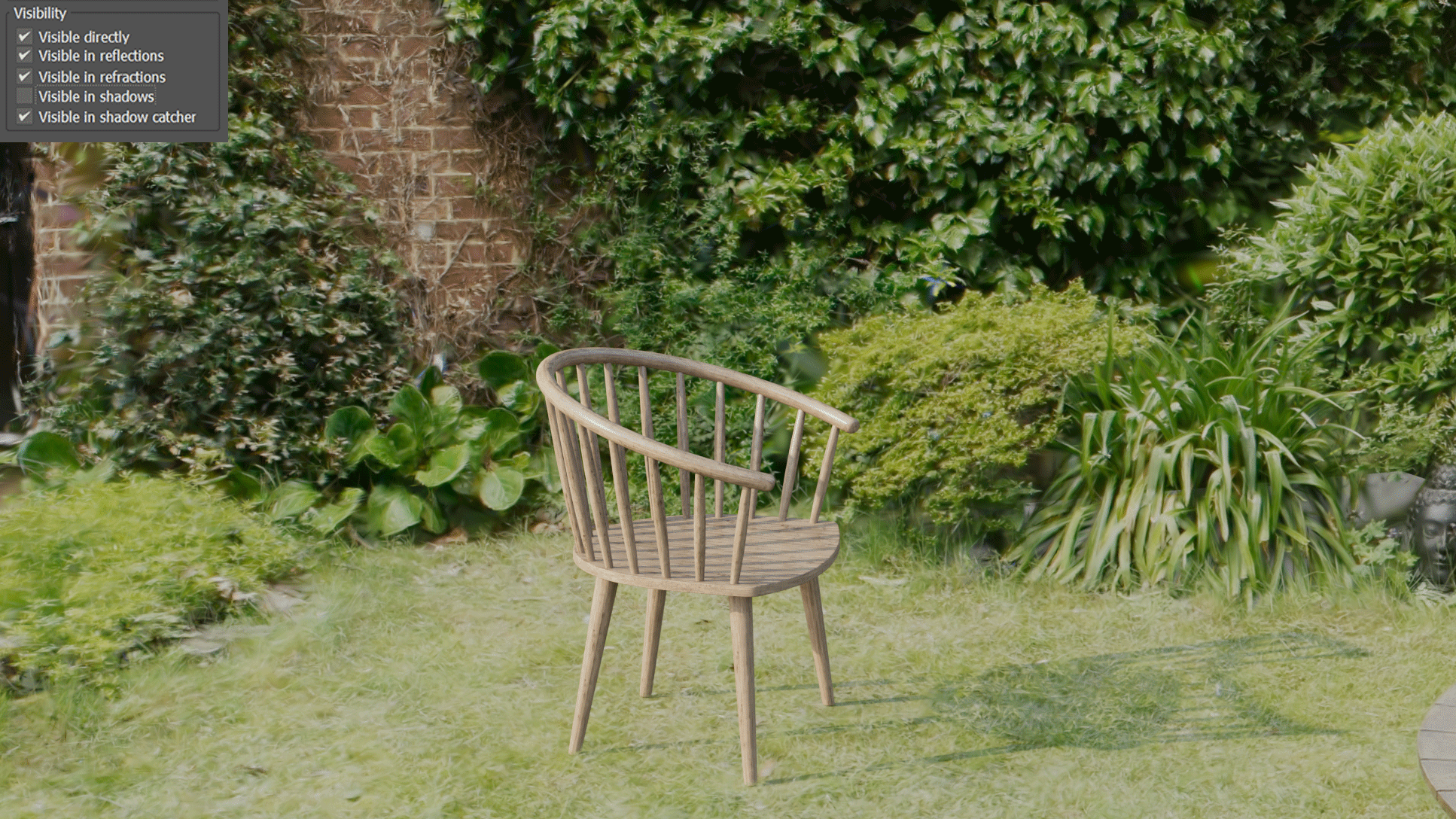
Corona has supported Gaussian Splats since version 14. With Corona 16, Chaos expands this functionality by introducing the ability to relight them using the surrounding scene lighting.
This improvement allows artists to integrate Gaussian Splats more naturally into their projects. For example, they can adjust the lighting of a captured environment to better match newly added 3D objects, without having to reconstruct the entire scene from scratch.
Parallax Interiors and Displacement
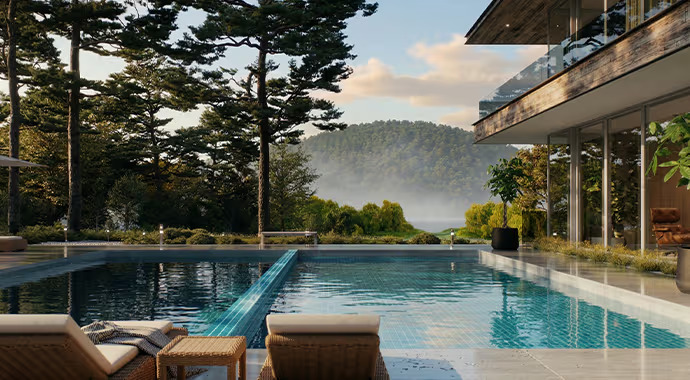
Earlier this year, Chaos introduced Parallax Interiors for V-Ray as part of V-Ray 7 Update 3. The feature offers an efficient way to add visual depth to architectural scenes without increasing their geometric complexity. With Corona 16, Chaos brings a similar workflow to Corona users.
Parallax Interiors allows artists to simulate furnished rooms behind building windows using a flat plane and a parallax texture. The result creates the illusion of a three-dimensional interior without requiring artists to model the entire room.
This approach is particularly useful for architectural visualization projects involving large residential or commercial buildings. Instead of creating individual interiors for every apartment, artists can populate facades with convincing interior details while keeping the scene relatively lightweight.
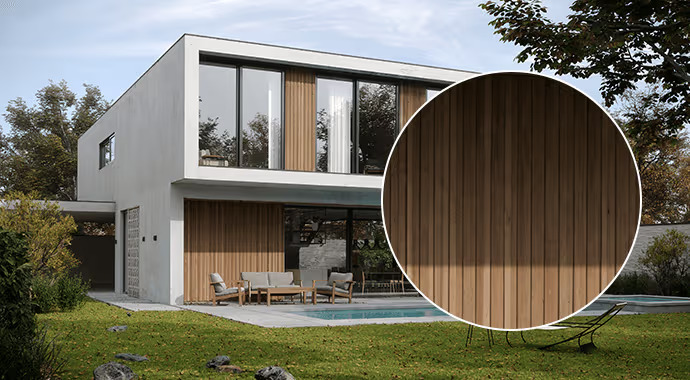
Corona 16 also introduces Parallax Displacement for the Corona Physical material. This feature simulates surface depth through texture mapping and can reduce memory consumption compared to traditional geometry displacement.
Together, these additions offer artists more flexibility when creating detailed architectural scenes, particularly when working with complex environments or limited hardware resources.
Improved Chaos Vantage Integration
To improve interoperability between Corona and Chaos Vantage, Chaos has introduced several updates to the existing Vantage Live Link workflow.
Chaos Vantage is the company’s real-time rendering software, allowing artists to explore and visualize their scenes interactively. With Corona 16, the integration offers better compatibility with Corona materials and their properties.
The updated Live Link now supports normal maps, metalness, refraction, the Ambient Occlusion shader, and the Corona Slicer material. These additions help preserve the appearance of materials when transferring scenes between Corona and Vantage The update also improves support for other material properties and allows users to export multiple cameras through Live Link.
These improvements aim to create a more consistent workflow between the two applications. Artists can move between Corona’s production rendering environment and Vantage’s real-time visualization tools with fewer adjustments.
New AI Assistant and Image Editing
Following the growing integration of AI into professional 3D software, Chaos has introduced a new AI Assistant in Corona 16.
The assistant, currently available in beta, provides context-aware support to help artists navigate the software and improve their workflows. Users can ask questions about Corona’s tools and features, receive suggestions for improving their renders, and search for assets within the Chaos Cosmos library.
The assistant also includes Render Critique, a feature that evaluates rendered images across different categories. These include photorealism, composition, and lighting quality, with scores ranging from one to ten.
Chaos presents this feature primarily as a learning tool for beginners. While experienced artists may already have established methods for evaluating their work, Render Critique could help less experienced users identify areas for improvement.
In addition to the AI Assistant, Corona 16 expands the Corona Image Editor with integrated access to Collaboration, AI Enhancer, and Chaos Veras. These tools provide additional options for refining images and working with AI-assisted visualization features.
A More Connected Architectural Visualization Workflow
Corona 16 introduces several improvements aimed at making architectural visualization more flexible and efficient. Relightable Gaussian Splats and Parallax Interiors help artists integrate complex visual elements without relying entirely on traditional modeling, while the improved Vantage integration strengthens the connection between production and real-time rendering.
At the same time, the new AI Assistant introduces additional support for learning and refining rendering workflows. Rather than changing Corona’s core approach, these additions expand the tools available to artists and simplify specific stages of production.
Overall, Corona 16 represents another step towards a more connected rendering environment, combining new visualization technologies, improved interoperability, and AI-assisted tools within the existing workflow.
To find out more, visit the Chaos Corona 16 Site
– article by Giorgio D’Ambrogio