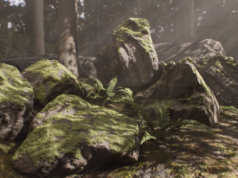



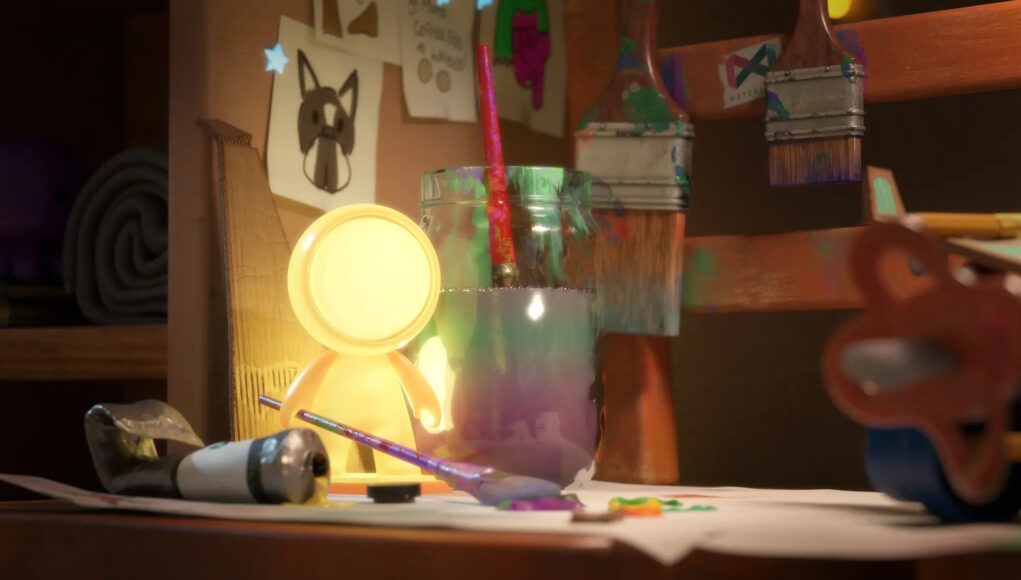
Adobe recently released Substance 3D Painter 12.1, introducing initial support for OpenPBR and bringing Adobe’s material workflow closer to an increasingly shared standard across the 3D industry. The update follows the adoption of OpenPBR in other Substance 3D applications and aims to improve material consistency and interoperability across different tools.
This article looks at how OpenPBR works, what its adoption means for Substance 3D Painter, and the other features introduced with the 12.1 update.
What Is OpenPBR?
One of the biggest challenges when working across different 3D applications is interoperability. Artists often need to transfer materials between software and adjust settings to reproduce the same appearance and behavior. OpenPBR was developed to address this problem by providing a shared approach to physically based materials.
OpenPBR is an open, physically based surface shading model designed to be supported by different applications and rendering systems. It describes materials according to fundamental physical properties, using intuitive parameters and consistent responses to lighting. Its main goal is to improve interoperability by defining a shared shading model for surfaces and volumes. Different applications can use this common framework to interpret material properties more consistently across the pipeline.
However, OpenPBR does not guarantee that a material will look exactly the same in every software or renderer. Different applications can still use different parameter implementations, lighting systems, or shading assumptions. Instead, OpenPBR provides a stable target for material exchange by defining a common, physically grounded model that covers typical production requirements.
The practical takeaway is that OpenPBR aims to preserve the intent of the artist when materials move between different applications.
OpenPBR in Substance 3D Painter
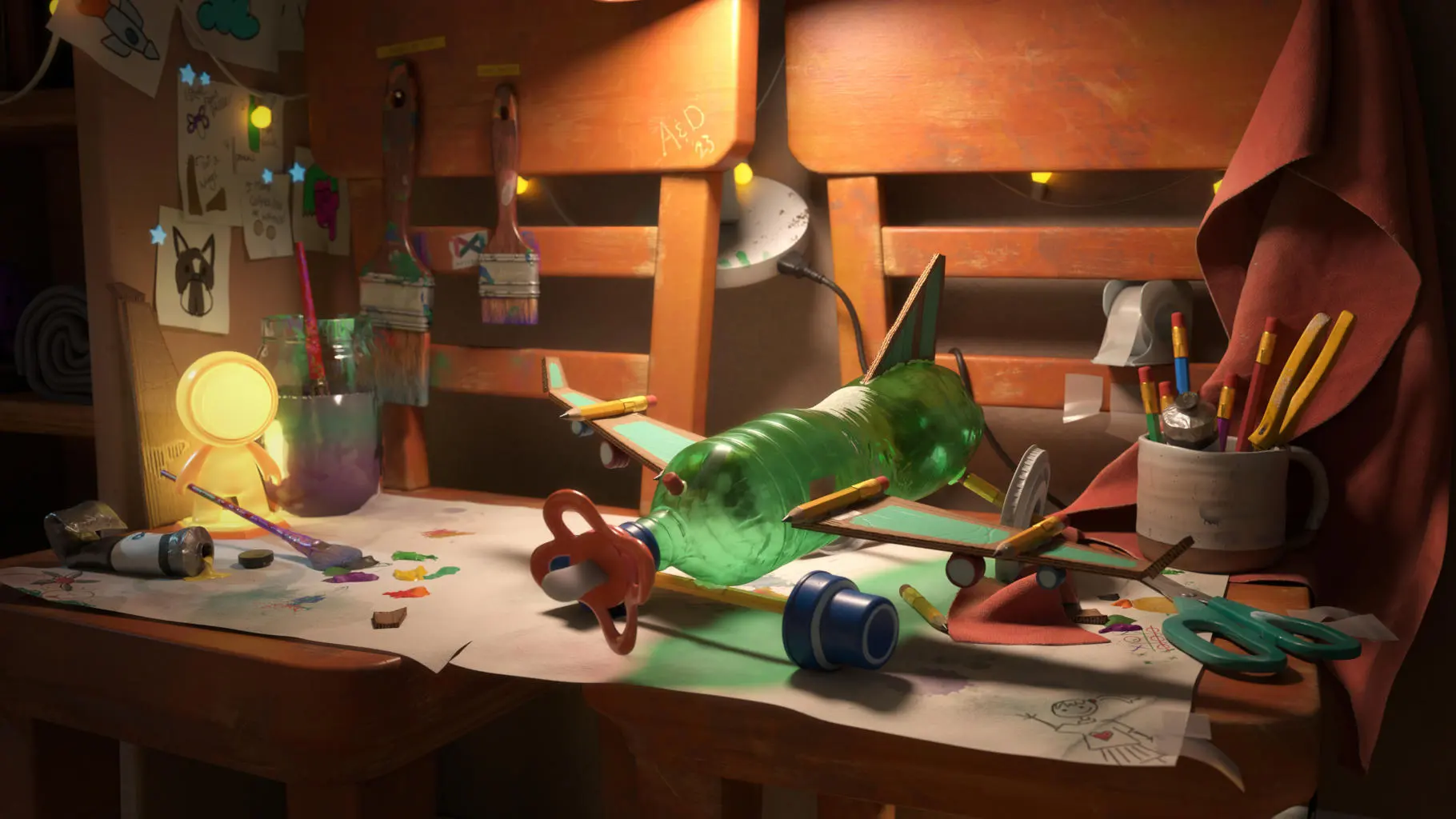
With the release of Substance 3D Painter 12.1, Adobe has introduced initial OpenPBR support into the software.
The addition is part of a broader adoption of the shading model across the Substance ecosystem. OpenPBR support was previously introduced in Substance 3D Designer 16 and Substance 3D Sampler 6, creating a more consistent material workflow between Adobe’s applications. This makes it easier to move materials through the Substance 3D ecosystem while reducing the need to manually adjust settings during import and export. It can also improve consistency between material authoring and the final rendering stage.
The integration also extends to the Substance 3D Assets library, where more than 1,400 materials, decals, and atlases have already been converted to OpenPBR.
Adobe has also released a production-proven OpenPBR implementation as open source on GitHub, further supporting the adoption of the shading model across the wider 3D ecosystem.

Substance 3D Painter 12.1: The Main New Features
OpenPBR is not the only addition introduced with Substance 3D Painter 12.1. The update also brings several improvements focused on baking, UV workflows, and everyday production tasks.
Auto Rebake
One of the most useful additions is Auto Rebake, a feature that automatically triggers a new bake whenever it detects changes to the mesh.
Previously, even relatively small mesh modifications could require artists to manually start the baking process again. Auto Rebake simplifies this workflow by automatically updating the baked maps when changes are detected.
The feature can run automatically while working in Skew Painting mode, or it can be enabled manually when needed.
Skew Map Painting
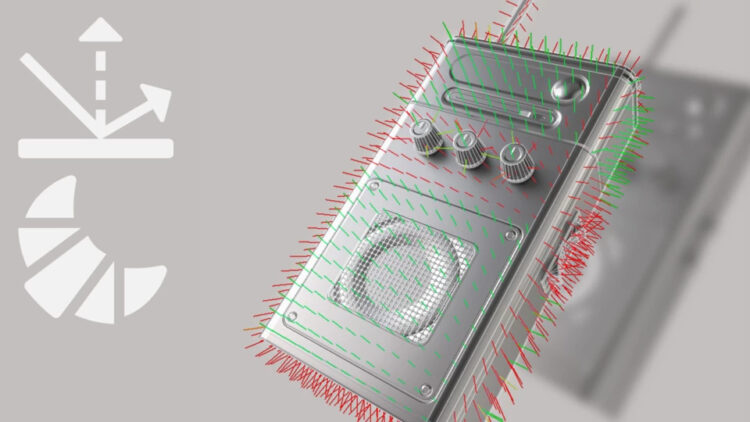
Substance 3D Painter 12.1 also introduces Skew Map Painting, providing a new way to correct skewing artifacts directly inside the application.
Skew artifacts can appear during the baking process and traditionally required artists to modify the original mesh in a separate 3D modeling application before importing it again into Painter. The new dedicated painting mode allows artists to correct these artifacts directly on the mesh using a brush. The Polygon Fill tool can also be used for more precise corrections.
This makes the baking workflow more flexible and reduces the need to move between different applications for relatively small fixes.
Hard Surface Auto UV Unwrapping
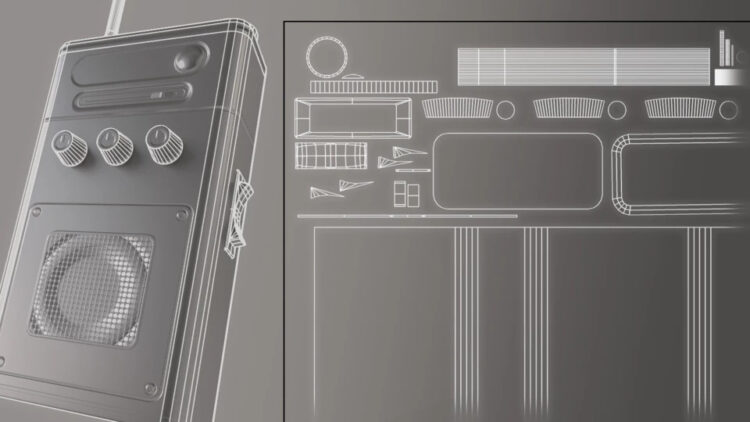
Substance 3D Painter’s existing automatic UV unwrapping system also receives an important improvement with the introduction of a dedicated Hard Surface mode.
The new option is available in the Auto Unwrap settings when creating a new project or re-importing a mesh. It is designed to produce more suitable UV layouts for hard-surface assets, making the automatic process more effective for objects with rigid and manufactured forms.
A More Connected Material Pipeline
With Substance 3D Painter 12.1, Adobe is moving OpenPBR further into its 3D ecosystem while also improving several practical aspects of the texturing workflow.
The significance of the update goes beyond the individual features. OpenPBR provides a common material framework that can make it easier to move assets between applications without rebuilding the entire material setup from scratch.
As OpenPBR adoption continues to grow across software and rendering platforms, its real impact will depend on how consistently different applications implement the standard. For artists, however, the direction is clear: material interoperability is becoming an increasingly important part of the 3D production workflow.
To find out more, visit the Adobe Substance 3D Painter official site.
– article by Giorgio D’Ambrogio