




Recently, Revit launched its 2027.3 update, introducing new features focused on workflow enhancement and interoperability across the Autodesk environment. The development of the software is also moving further into AI agents and Model Context Protocol (MCP) servers, two technologies that are beginning to reshape the BIM environment.
This article explores the main additions in Revit 2027.3 and how Autodesk Assistant, DynamoMCP, and new workflow features are shaping the future of AI-driven BIM.
Revit Is Moving Toward Agentic BIM
In the last few years, we have seen an important shift among 3D software companies toward AI agents and Model Context Protocol (MCP) servers. These technologies are changing how users interact with software, making it easier to perform complex operations and automate parts of the design workflow.
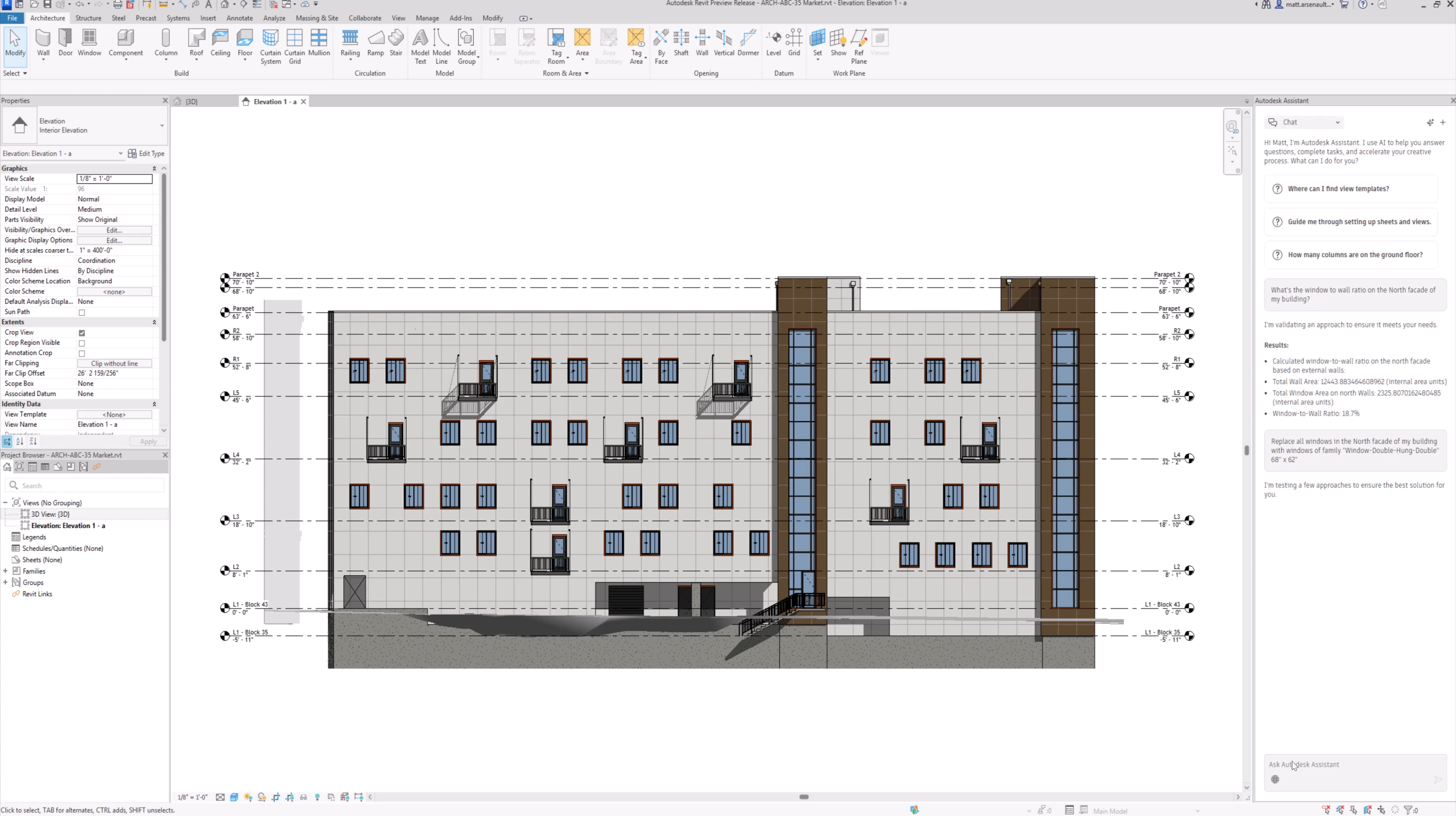
Following this trend, Autodesk announced its own AI agent, Autodesk Assistant, last year. Autodesk then introduced the tool more widely earlier this year. The Assistant was designed to connect Autodesk products, third-party tools, product APIs, and MCP servers within a contextual AI experience.
Today, the tool can be used by designers in different ways to reduce friction, simplify complex tasks, and support faster and more informed decisions.
Autodesk Assistant is designed to turn intent into action. It can provide contextual answers based on Autodesk documentation, but it can also interact directly with software and modify elements through connected tools such as DynamoMCP. The goal is to reduce repetitive work, speed up production, and provide a more seamless user experience.
What Is DynamoMCP?
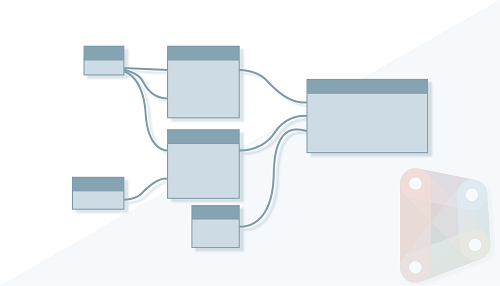
To understand what DynamoMCP is, it is important to first understand Dynamo itself. Autodesk describes Dynamo as “a graphical programming interface that lets you customize your building information workflow.” It is an open-source visual programming platform developed for designers and integrated into the Revit environment.
DynamoMCP can be described as an MCP server that exposes the tools and data of a program, allowing an AI client to access its context, perform actions, and receive structured results. With DynamoMCP, Autodesk Assistant can therefore interact directly with Dynamo graphs.
In practice, the AI can interact with Dynamo to create and connect nodes, manipulate data, build geometry, modify graphs, and generate custom Python nodes. This allows the Assistant to use Dynamo’s procedural capabilities to perform operations requested by the user.
The New Dynamo 4.2.1
With the Revit 2027.3 update, Autodesk introduces Dynamo 4.2.1, which brings new ways of working with Dynamo.
- Autodesk Assistant in Dynamo: Autodesk Assistant is now available directly in Dynamo, making the DynamoMCP workflow described above an integrated part of the Revit environment.
- New graph templates: Autodesk has added new templates containing pre-built nodes and information, providing a shortcut for starting new graphs.
- Creating graphs from templates: Users can create new graphs based on existing templates. The template folder is read-only to prevent unintended changes to the original templates.
Revit 2027.3: Other New Features
The latest Revit update also introduces several workflow and interoperability improvements.
Forma Roads
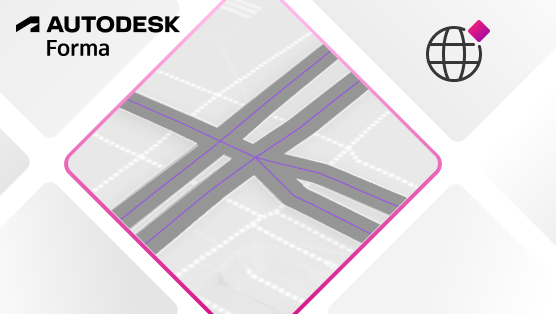
Forma Roads is currently available as a Tech Preview. The feature brings road context into Revit, helping users better understand the infrastructure surrounding a site.”
The feature allows users to access roads from the Forma Data Marketplace and display them as a coordination model in Revit. This can be useful during early design decisions involving setbacks, site access, and circulation.
Geolocation Improvements
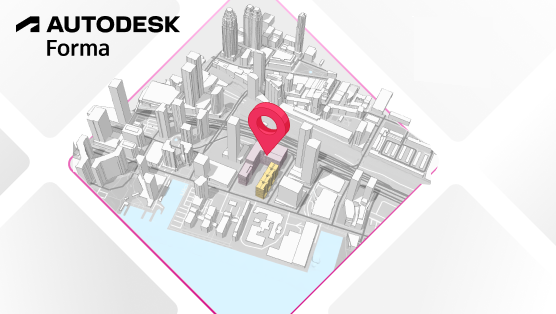
Another feature closely connected to Autodesk Forma is the improved geolocation workflow. The update makes it easier to connect Revit projects to Forma scenarios and access additional site information from the Forma environment.
To establish the connection between a project and Forma, the model must be connected to a scenario and assigned a geolocation. This can be particularly useful during the early stages of design, when additional information about the site can help inform design decisions.
Revit and the Future of Connected BIM
Revit 2027.3 is more than a collection of incremental workflow improvements. The integration of Autodesk Assistant, DynamoMCP, and the latest Dynamo release shows a broader change in how Autodesk is approaching BIM software.
Traditionally, users interact directly with software tools, manually selecting commands, building Dynamo graphs, and managing data themselves. With an agentic approach, the user can instead describe an intended result in natural language, while an AI agent interprets the request and interacts with the appropriate tools.
For Revit users, the significance of 2027.3 therefore goes beyond Dynamo 4.2.1 or the individual new features. It represents another step toward a more connected and increasingly agent-driven BIM environment, where the way users communicate with their tools could become as important as the tools themselves.
To find out more, visit the Autodesk Revit official Site.
– article by Giorgio D’Ambrogio