






Maxon has recently announced Redshift 2027.0 for Architecture, Engineering and Construction (AEC), expanding its official support to Graphisoft Archicad, alongside the existing integrations with Vectorworks and Autodesk Revit. This addition expands Maxon’s architectural visualization offering, drawing on its experience in 3D modeling, rendering and motion graphics to create a more connected workflow from BIM design to final presentation.
What Will Redshift Bring to Archicad?
The release of Redshift for Archicad is part of a broader vision for integrating rendering software into the BIM pipeline. The idea is to go beyond rendering alone and give architects the possibility to visualize and refine their projects directly within the applications they already use.
Being able to preview a project inside Revit, Vectorworks or Archicad allows designers to present their work to the team at every stage of the design process, or share it with clients when needed. Designers can use high-end visualization, animation and simulation to communicate their ideas more effectively. This expanded integration also creates a more connected workflow between BIM software and Cinema 4D, giving designers greater creative control and access to advanced animation, simulation and cinematic-quality presentations when required.
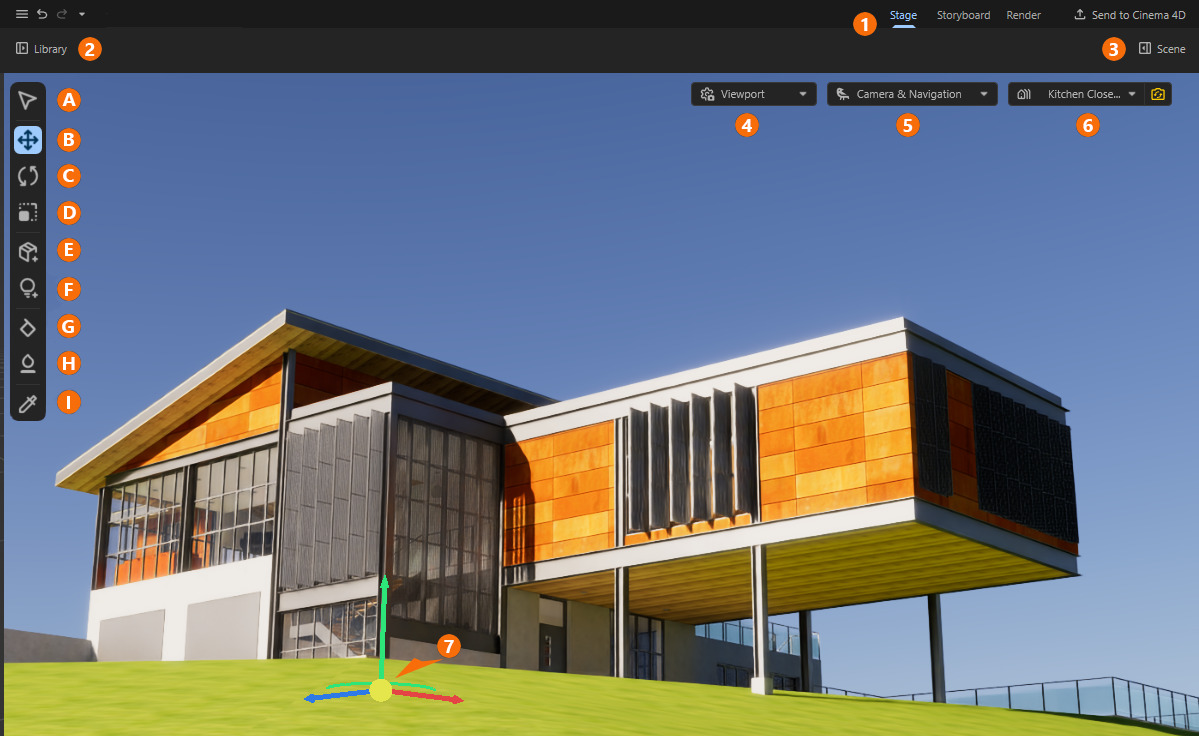
Redshift 2027.0 introduces several improvements to its rendering capabilities, including faster shader compilation, better refraction, transparent shadows and ray-traced depth of field. The update also adds custom material creation and a dedicated Light Manager, providing architects with more control over the appearance and presentation of their projects.
Real-Time Rendering
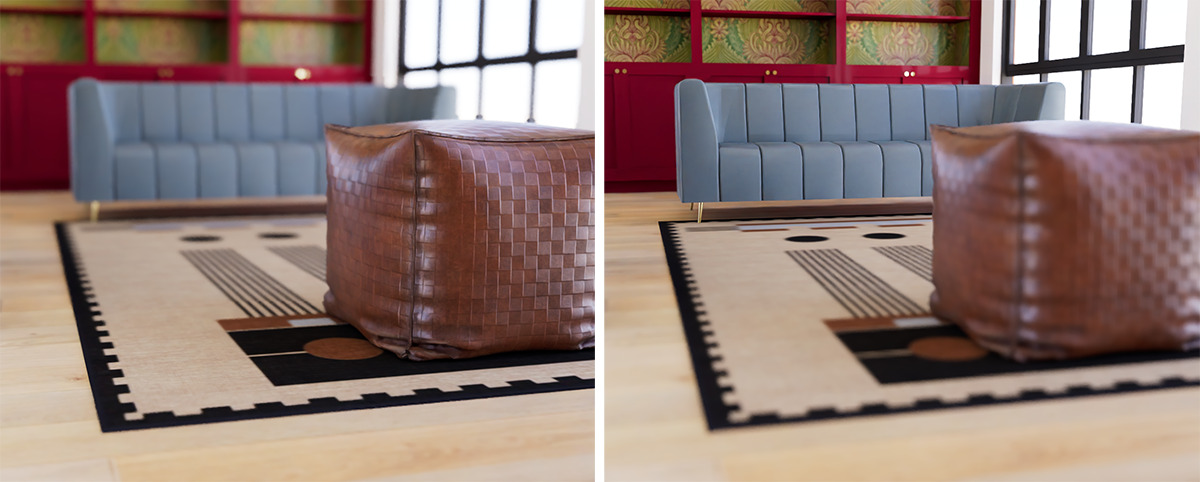
As mentioned earlier, Maxon has not only expanded Redshift’s software integration but has also improved its real-time rendering capabilities. These updates provide designers with faster and more accurate visual feedback during the design process, with new support for ray-traced refraction and ray-traced depth of field.
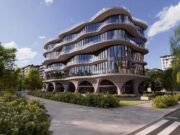
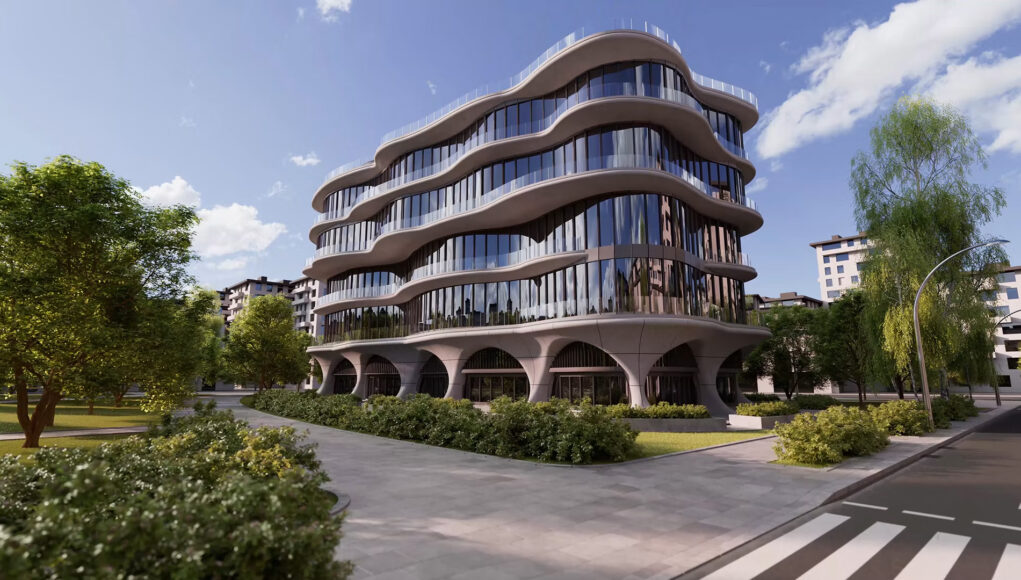
Maxon has taken a different approach to ray-traced refraction. Rather than relying on approximations, as many real-time rendering solutions do, Redshift for Architects can trace these light interactions directly, producing a more accurate representation of how light behaves when passing through transparent materials such as glass. This is particularly relevant to architectural visualization, where glazing and reflections play an important role in the final appearance of a building.
These improvements make Redshift a more useful tool for design reviews and presentations, providing more reliable visual feedback and reducing the gap between what designers see during the design process and the final rendered result.
Custom Materials
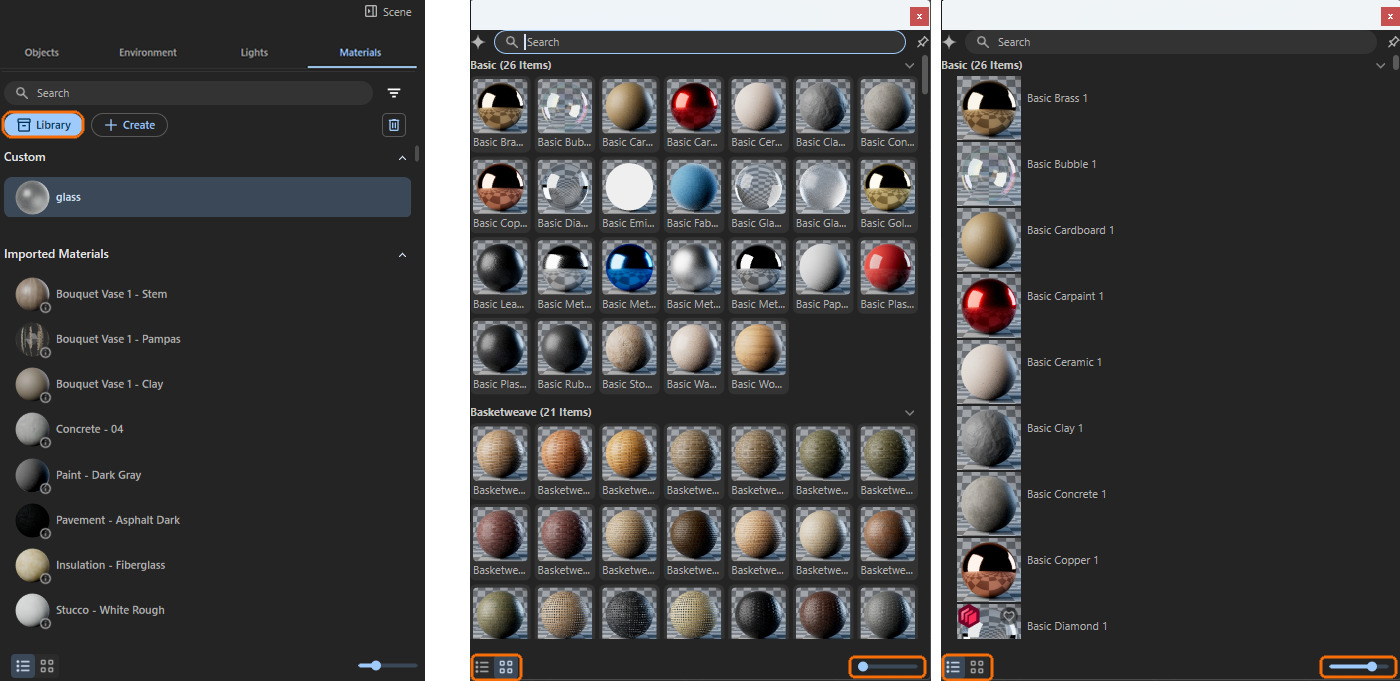
Alongside real-time rendering, the Redshift for Architects update introduces the ability to create custom materials directly within Redshift. This feature uses physically based controls, allowing designers to build materials from scratch rather than relying exclusively on materials converted from the host BIM application or selected from the Redshift library.
This addition expands the possibilities of the workflow between BIM software and Redshift. Designers have greater freedom when refining surfaces for a presentation, adjusting material properties or matching a specific finish. It also makes it easier to customize the visual appearance of a project without having to rely entirely on the materials already defined in the original BIM model.
Dedicated Light Manager
Finally, the new Redshift update introduces a dedicated Light Manager, which allows designers to create and manage additional Redshift lights directly within the visualization workflow. An important aspect of this feature is that these lights remain separate from the lights defined in the host CAD model and do not interfere with its construction data.
This separation makes it possible to manage two different lighting setups for different purposes. When a designer needs to document the lighting fixtures and lighting scheme defined in the project, the original CAD model remains unchanged. When the goal is to present the design, additional Redshift lights can be used to enhance the atmosphere, highlight architectural features or direct the viewer’s attention.
By separating design lighting from presentation lighting, the Light Manager gives architects more artistic control over the final image while preserving the integrity of the original project data.
From BIM to Final Visualization
Redshift for Archicad is part of Maxon’s broader effort to connect architectural design with high-quality visualization. By bringing more accurate real-time previews, custom materials and dedicated lighting controls directly into the BIM environment, the company aims to make the transition from design review to final presentation more efficient, reducing the need to move between disconnected applications for every iteration.
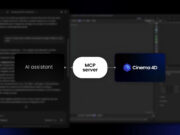
This development also reflects another direction Maxon is pursuing in its software ecosystem. As discussed in our previous article on Cinema 4D’s MCP integration, the company is exploring how AI assistants can help automate tasks and make creative workflows more accessible. With Redshift for Architects, the focus is instead on advancing real-time rendering and integrating visualization more closely with BIM software.
Together, these developments highlight two complementary approaches to improving 3D production: using AI to simplify interactions with creative tools, and improving rendering technology to provide more reliable visual feedback throughout the design process. For architectural visualization, the long-term goal is to bring the BIM model closer to its final visual presentation, allowing designers to refine and communicate their ideas with fewer interruptions to the workflow.
To find out more, visit the Maxon Redshift official Site.
– article by Giorgio D’Ambrogio
